
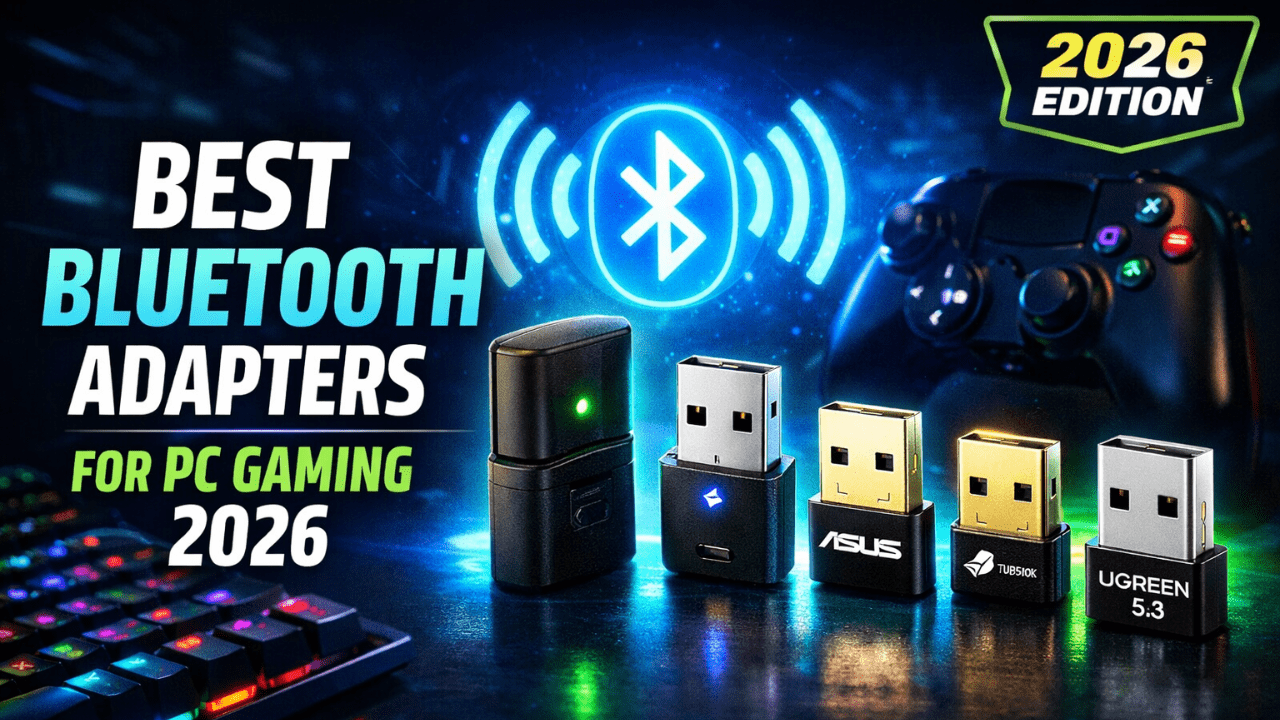
Looking for a reliable, lag-free Bluetooth adapter for gaming in 2026? Whether you’re pairing a wireless headset, controller, or speakers, a solid Bluetooth adapter can make or break your experience. In this guide, we’ve picked top 5 Bluetooth adapters under $50 that US gamers trust.
What to Look for in a Bluetooth Adapter for Gaming
| Feature | Why It Matters |
|---|---|
| Bluetooth Version | Higher versions (5.0 and above) offer better range and lower latency |
| Low Latency Support | Essential for gaming to avoid audio lag and sync issues |
| Plug and Play | Easy installation saves time and hassle |
| Compatibility | Works with PC, consoles, and multiple headset brands |
| Battery Life Impact | Adapter should not drain your headset’s battery too fast |
Common Issues You Should Know
| Issue | Description | Solution |
|---|---|---|
| Audio Lag | Delay between game audio and headset | Use adapters with aptX Low Latency |
| Connectivity Drops | Sudden disconnection during gameplay | Choose adapters with strong signals |
| Compatibility Problems | Not working with certain consoles or devices | Verify compatibility before buying |
| Setup Confusion | Difficult installation or driver problems | Look for plug-and-play adapters |
Top 5 Bluetooth Adapters for Gaming Under $50 (US)
1. Avantree DG80 |
A plug-and-play Bluetooth 5.0 audio adapter that’s perfect for PCs and consoles. It supports aptX Low Latency, which means smooth, lag-free sound for gaming.
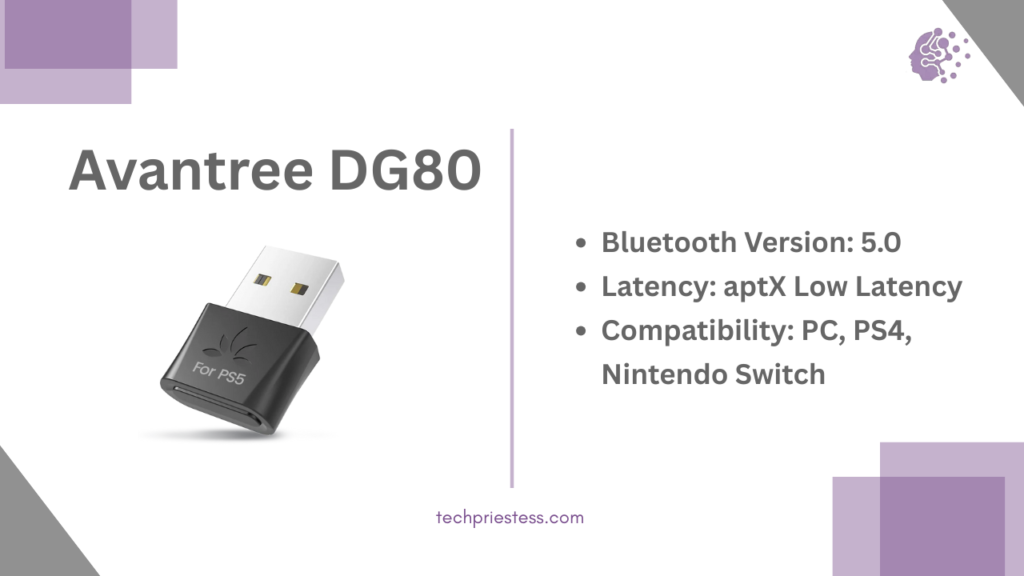
Key Features Table:
| Feature | Details |
|---|---|
| Bluetooth Version | 5.0 |
| Latency | aptX Low Latency |
| Compatibility | PC, PS4, Nintendo Switch |
| Price Range | Around $45 |
2. Creative BT-W3
A versatile audio-only Bluetooth adapter with multiple codec support including aptX Low Latency and aptX HD. Great choice for PS4, PS5, Switch, and PC.
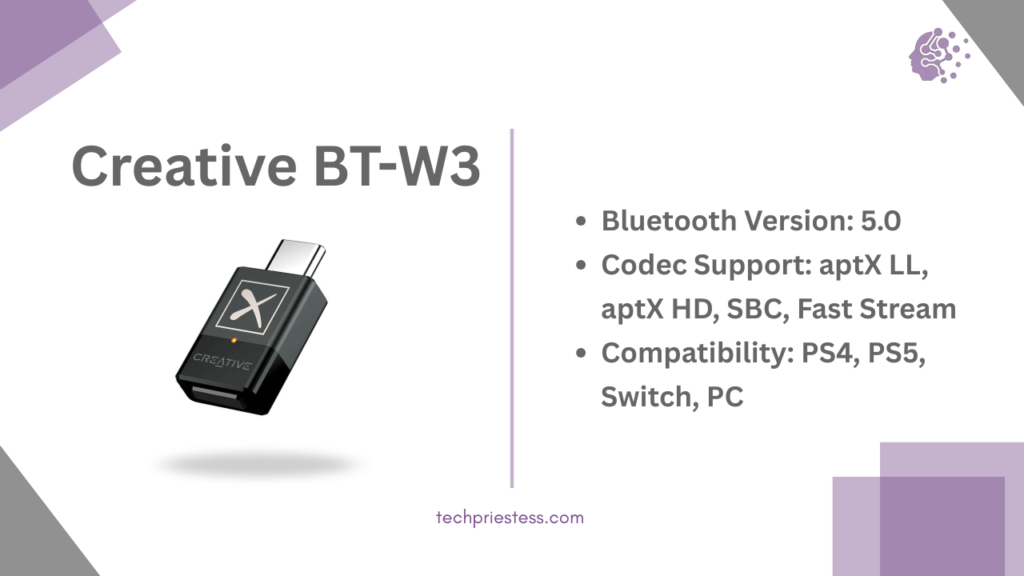
Key Features Table:
| Feature | Details |
| Bluetooth Version | 5.0 |
| Codec Support | aptX LL, aptX HD, SBC, FastStream |
| Compatibility | PS4, PS5, Switch, PC |
| Plug-and-Play | Yes |
| Price Range | $45–$49 |
3 ASUS USB-BT500
One of the best overall Bluetooth dongles under $25. Though not focused solely on audio, it supports general Bluetooth peripherals and controllers well.
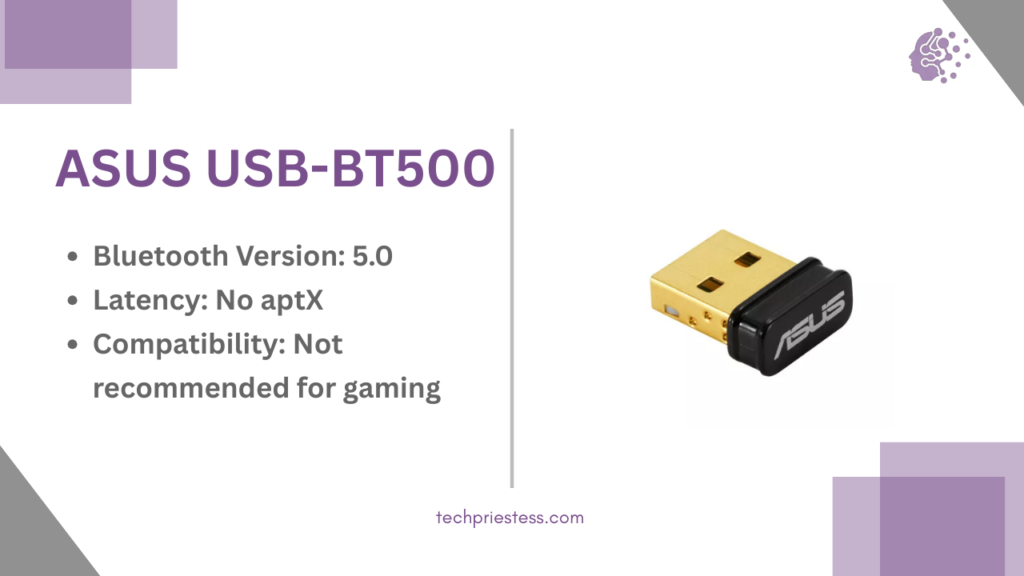
Key Features Table:
| Feature | Details |
| Bluetooth Version | 5.0 |
| Codec Support | Basic (SBC, no aptX) |
| Compatibility | Windows 10/11, Linux |
| Plug-and-Play | Yes |
| Price Range | $19–$25 |
4. TP-Link UB500
Budget-friendly adapter that supports Bluetooth 5.0 and a variety of devices. Works great for gaming controllers and general wireless accessories.
Key Features Table:
| Feature | Details |
| Bluetooth Version | 5.0 |
| Codec Support | Basic audio (no aptX) |
| Compatibility | Windows 10/11 |
| Plug-and-Play | Yes |
| Price Range | $15–$20 |
5. UGREEN Bluetooth 5.3 Adapter
If you want the latest Bluetooth version at a decent price, this one’s solid. Great range and backward compatibility. Good for both audio and peripherals.
Key Features Table:
| Feature | Details |
| Bluetooth Version | 5.3 |
| Codec Support | SBC (no aptX) |
| Compatibility | Windows, Linux, Steam Deck |
| Plug-and-Play | Yes |
| Price Range | $17–$22 |
Reddit Users’ Opinions: What Real Gamers Say
| Adapter Name | Reddit User Feedback |
| Avantree DG80 | “Been using the DG80 on my PC for months. No lag at all while gaming with my Arctis 7 headset. Totally worth it.” – u/Retro_Byte |
| Creative BT-W3 | “Bought this for my Switch and PS5 – the mic passthrough is clutch and audio is clean even in Fortnite.” – u/SigmaSound |
| ASUS USB-BT500 | “Great for my Xbox controller on PC. Stable connection and no disconnection issues after hours of play.” – u/ctrlZne |
| TP-Link UB500 | “For $15, this tiny thing is a beast. Paired my DualShock with ease. Budget win.” – u/CasualPixel |
| UGREEN BT 5.3 | “Bought it because of BT 5.3 future-proofing. Used it with Steam Deck and Windows – works flawlessly.” – u/nerdNationUSA |
FAQs
Q. Can I use these adapters with my PS5/PS4?
Some, like Creative BT-W3 and Avantree DG80, are compatible, but always double-check console support.
Q. Do I need drivers for these Bluetooth adapters?
Most are plug-and-play, especially on Windows 10/11. Others may require drivers available on their official site.
Q. Are Bluetooth adapters good for voice chat?
Only a few like BT-W3 support mic passthrough. For others, you’ll need a separate mic.
Bonus: Use Case Suggestions (Mini Guide Style)
| Use Case | Recommended Adapter | Why It’s a Good Fit |
|---|---|---|
| Competitive FPS | Avantree DG80 | aptX Low Latency, zero lag |
| Streaming + Gaming | Creative BT-W3 | Mic passthrough and multi-codec support |
| Casual Gaming on PC | ASUS USB-BT500 | Budget-friendly and stable connectivity |
| Budget Console Setup | TP-Link UB500 | Easy pairing, reliable for casual gaming |
| Future-Proof Builds | UGREEN BT 5.3 | Bluetooth 5.3, excellent for long-term use |
Final Thoughts
If you’re gaming on a budget, you don’t have to compromise on quality. Avantree DG80 is the go-to for serious audio quality, while TP-Link UB500 and UGREEN 5.3 are excellent budget-friendly options. Make sure you pick the one that fits your setup and gaming needs best.
Let us know which one you’re choosing!
Disclaimer: We’ve shared this info based on tests and trusted sources, but product details may change, please double check before buying. We don’t use affiliate links for now, but may include them in the future.
Also Read